
Ready or tired?
You'll see at a glance.
Trilane turns your Apple Health data into a clear training compass – recovery, training form and load at a glance, plus plans and a race-day planner for the big day. For running, cycling, swimming & triathlon.
From Apple Health
No sign-up
Everything stays local
Your training cockpit
Everything that matters – at a glance
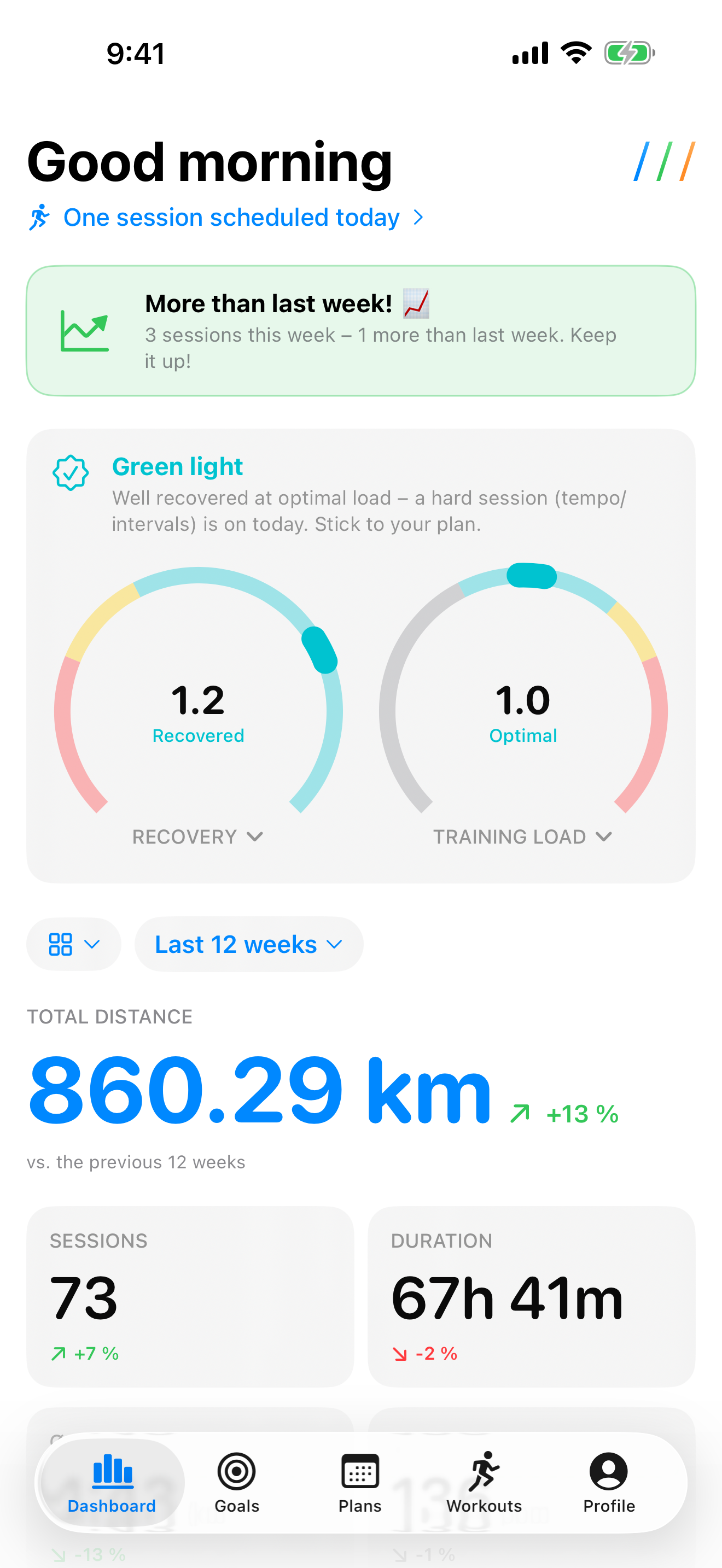
Trilane quietly reads your workouts from Apple Health in the background and turns them into the answers that really help: How recovered am I? Am I training too much? Am I on track?
Recovery, load & form
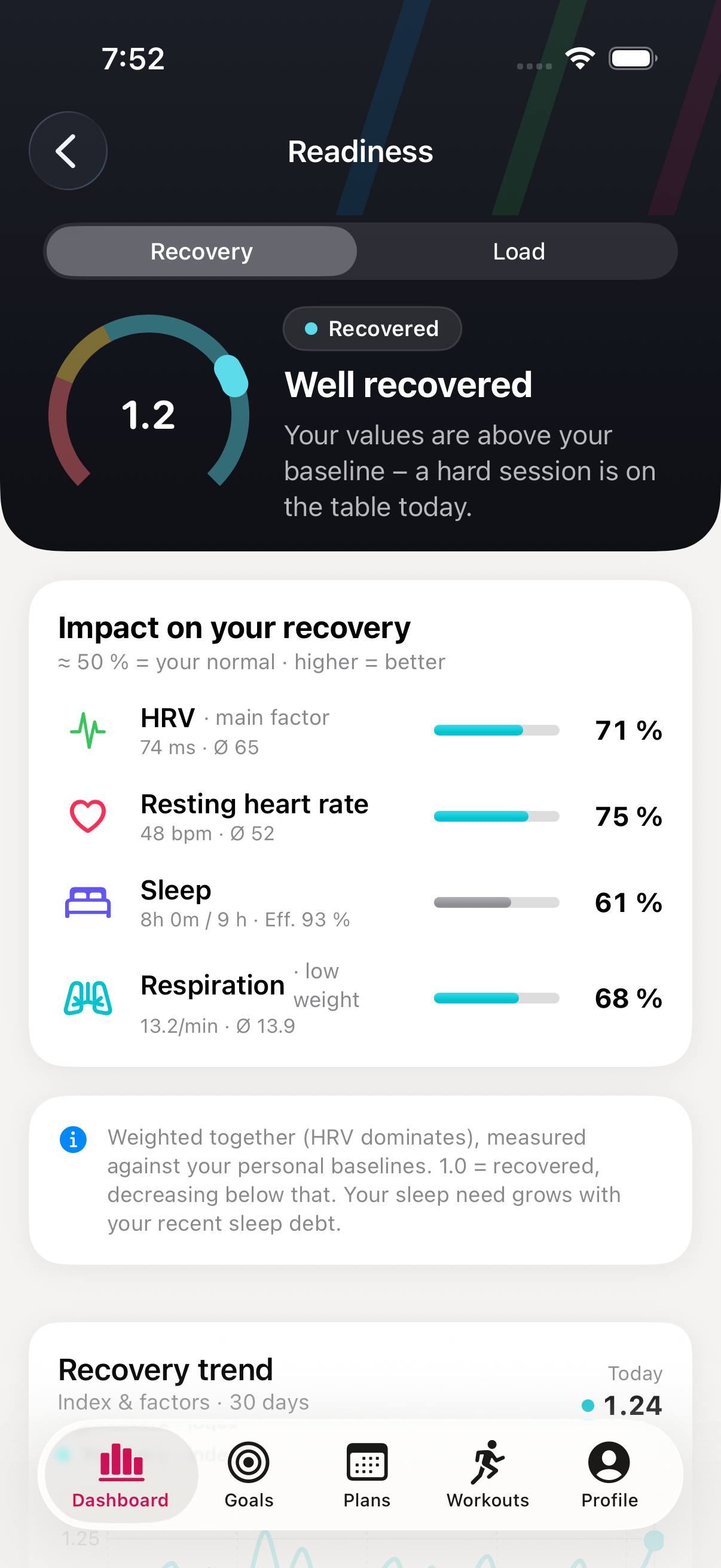
Two cockpit-style gauges: how well recovered you are – and whether your load is in the optimal range. Plus your form from fitness and fatigue. And a clear recommendation for the day.
- Personal recovery score from HRV, resting heart rate, sleep & respiratory rate
- Daily load from training and everyday movement – backed by your acute-to-chronic load ratio (ACWR)
- Training form from fitness (42 days) and fatigue (7 days) – with a taper hint for race day
- A breakdown of every factor – no black-box score
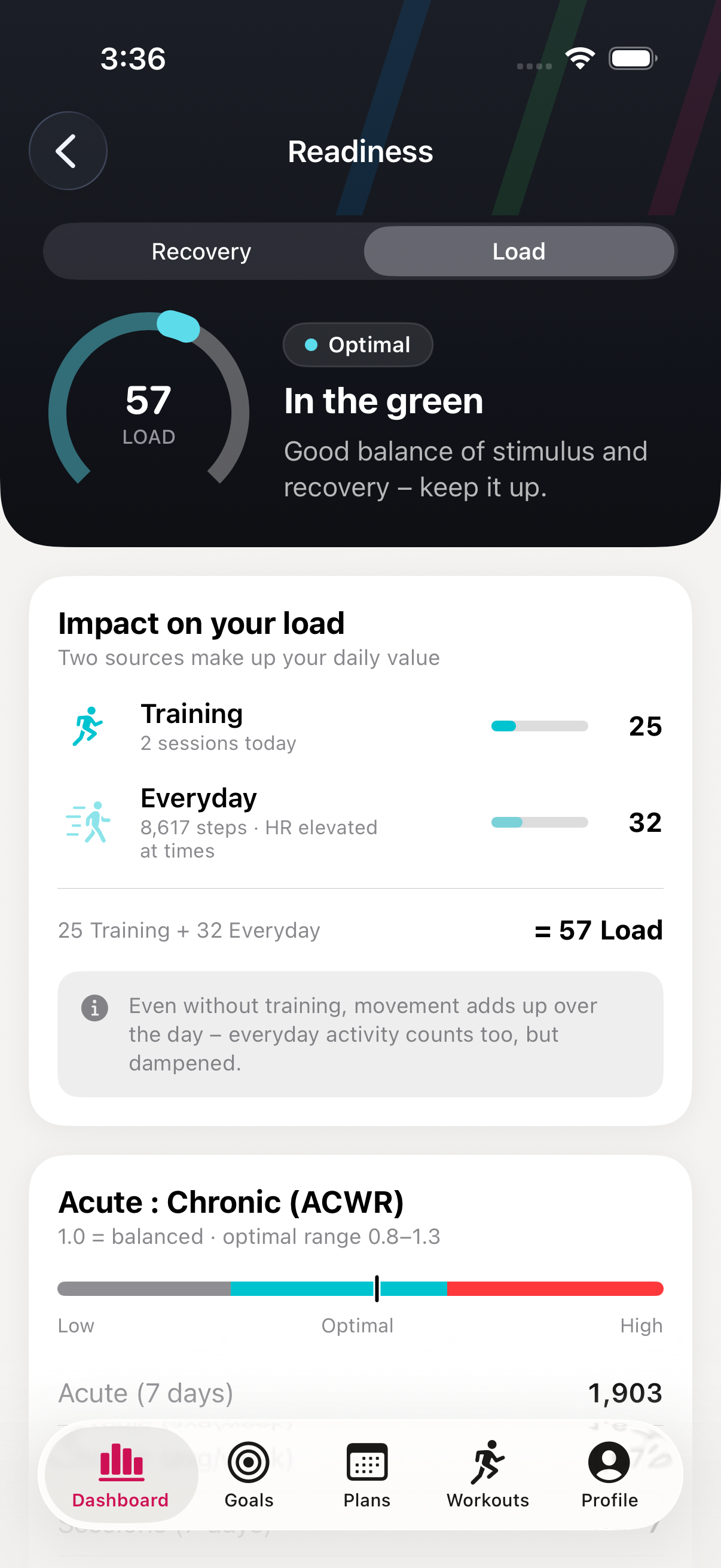
Daily load: training + everyday
It's not just the workout that counts: Trilane combines training and everyday movement into one daily load – a single score, clearly rated. Tap the gauge to see how it's composed.
- Training and everyday movement add up to one daily score
- Rated by your load ratio: low, optimal, elevated, high
- History of recent days – stacked by training and everyday share
- The same daily load on your Home Screen widget
Goals & race-time prediction
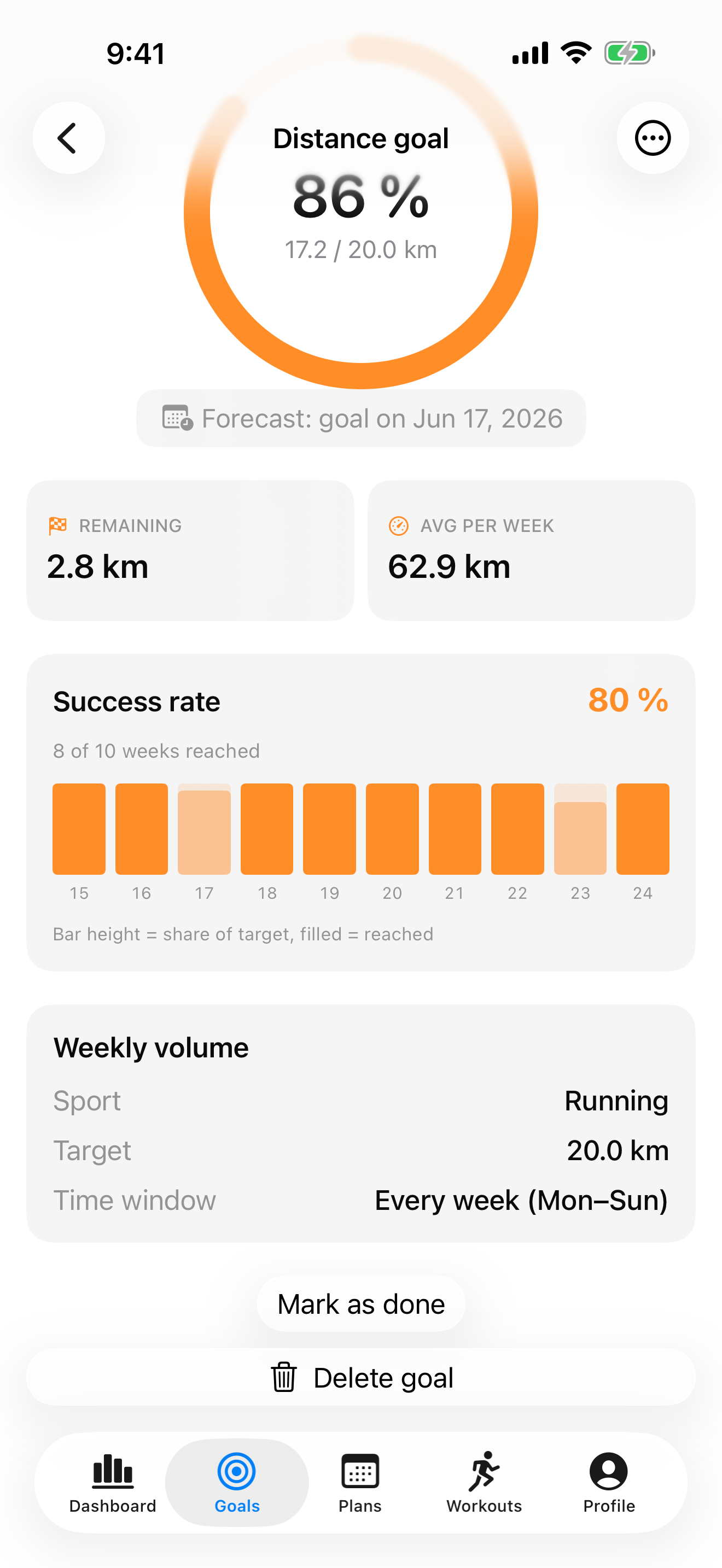
Distance, performance, event or streak – Trilane uses your real workouts to track whether you're on course and tells you when you'll reach your goal. For open running distances it estimates your race time.
- Four goal types: distance, personal best, race, streak
- Forecast “goal reached on …” and your lead in km
- Race-time prediction from your best segment (Riegel formula)
- Streaks with a rest-day rule and milestones
Training plans that think along
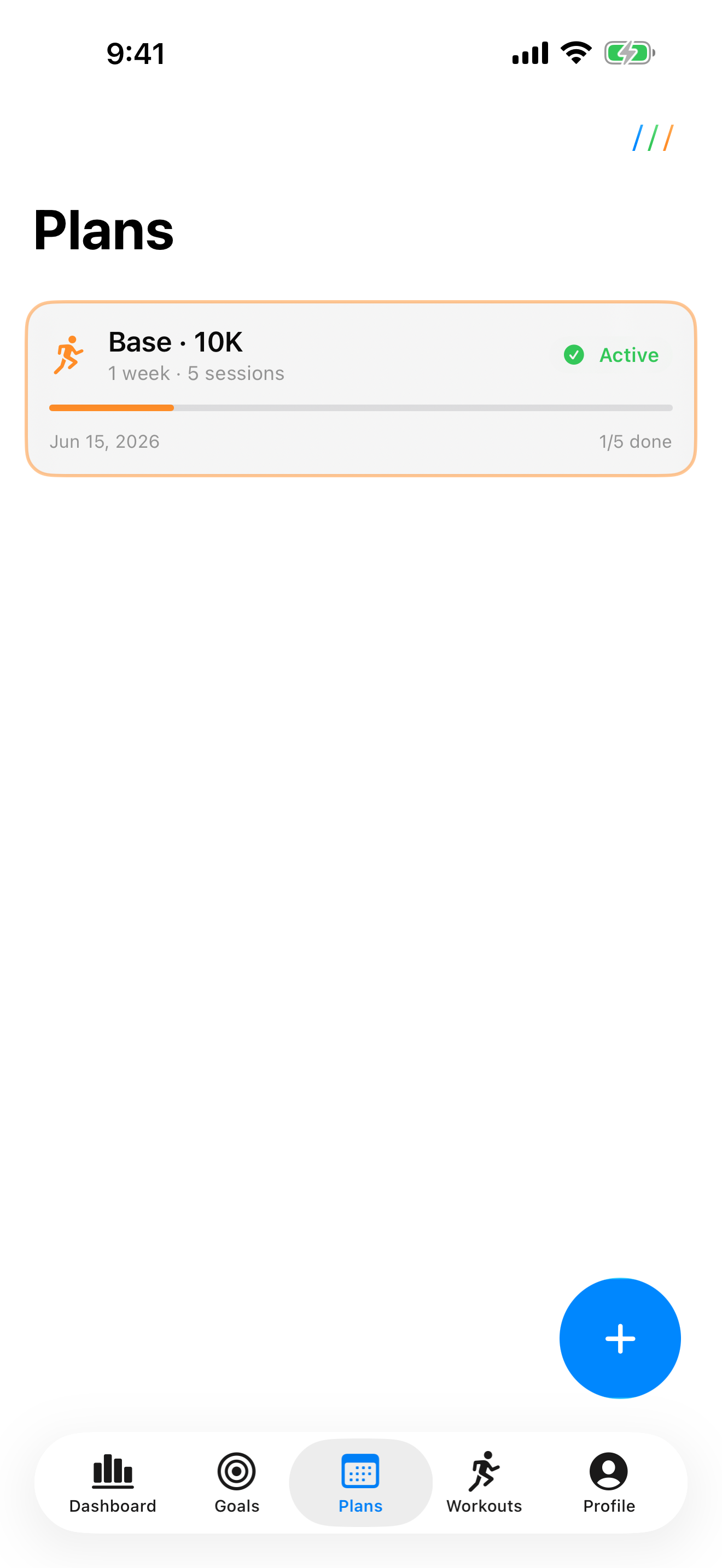
Ready-made plans from 5K to marathon arrange themselves into your weeks and reconcile planned with completed sessions – including a hint when you still have reserves or need to ease off.
- Templates for 5K, 10K, half marathon & marathon – or build your own with mixed sports
- Automatic match of planned ↔ completed
- Reminders that respect quiet hours
Every workout down to the detail
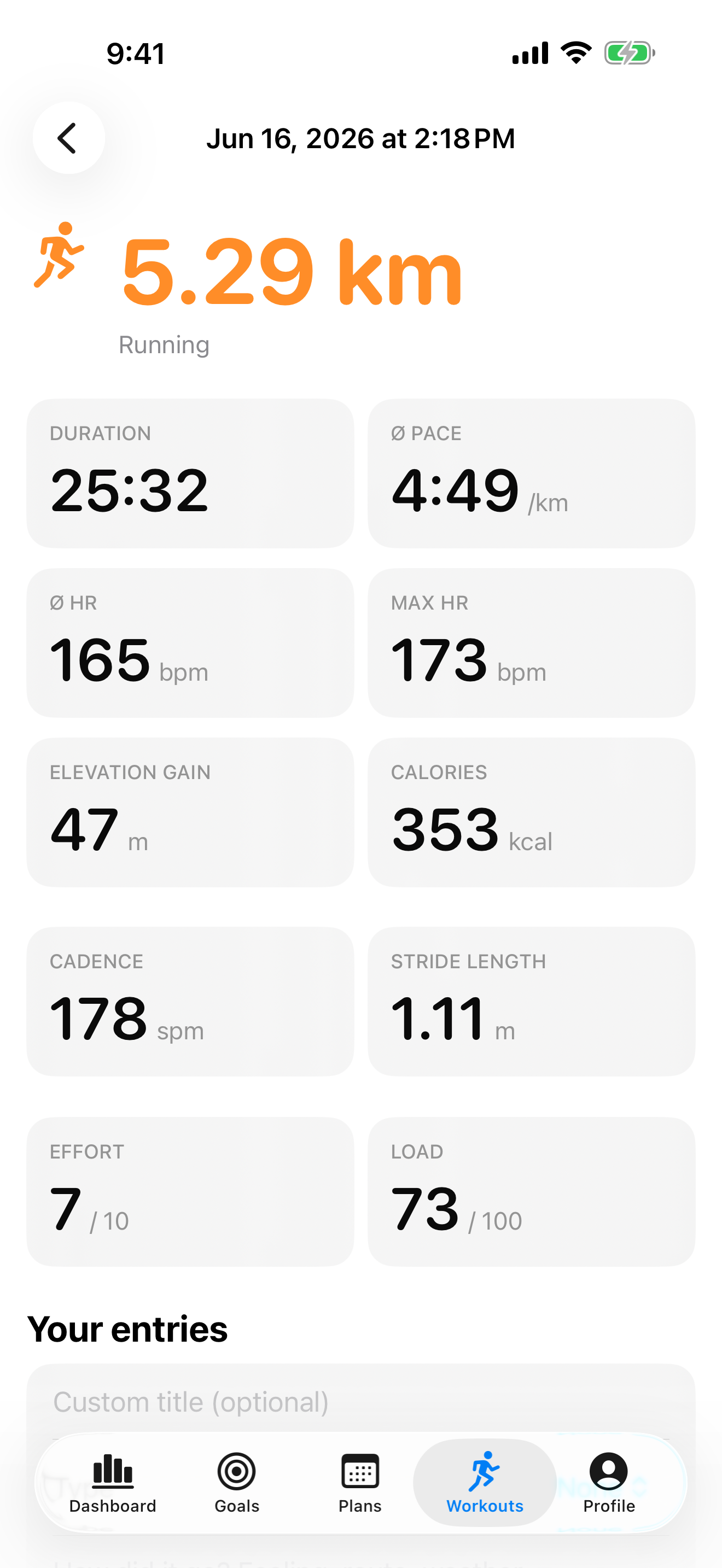
A breakdown into intervals, laps and lengths – sport-adaptive with pace, heart rate, power and cadence. Plus pace and elevation curves, a scrubbable HR trace and the route on the map.
- Workout breakdown: intervals & laps (lengths for swims) – interval sessions detected automatically
- Sport-specific: running form (cadence, stride, ground contact), cycling power (NP/IF/TSS), swim SWOLF & stroke
- Aerobic efficiency: how evenly you paced (pace–heart-rate decoupling, elevation-corrected)
- Interactive HR trace, elevation profile & route on the map (MapKit)
- Best times for segments – e.g. your fastest 5K within a 10K
Share your workouts
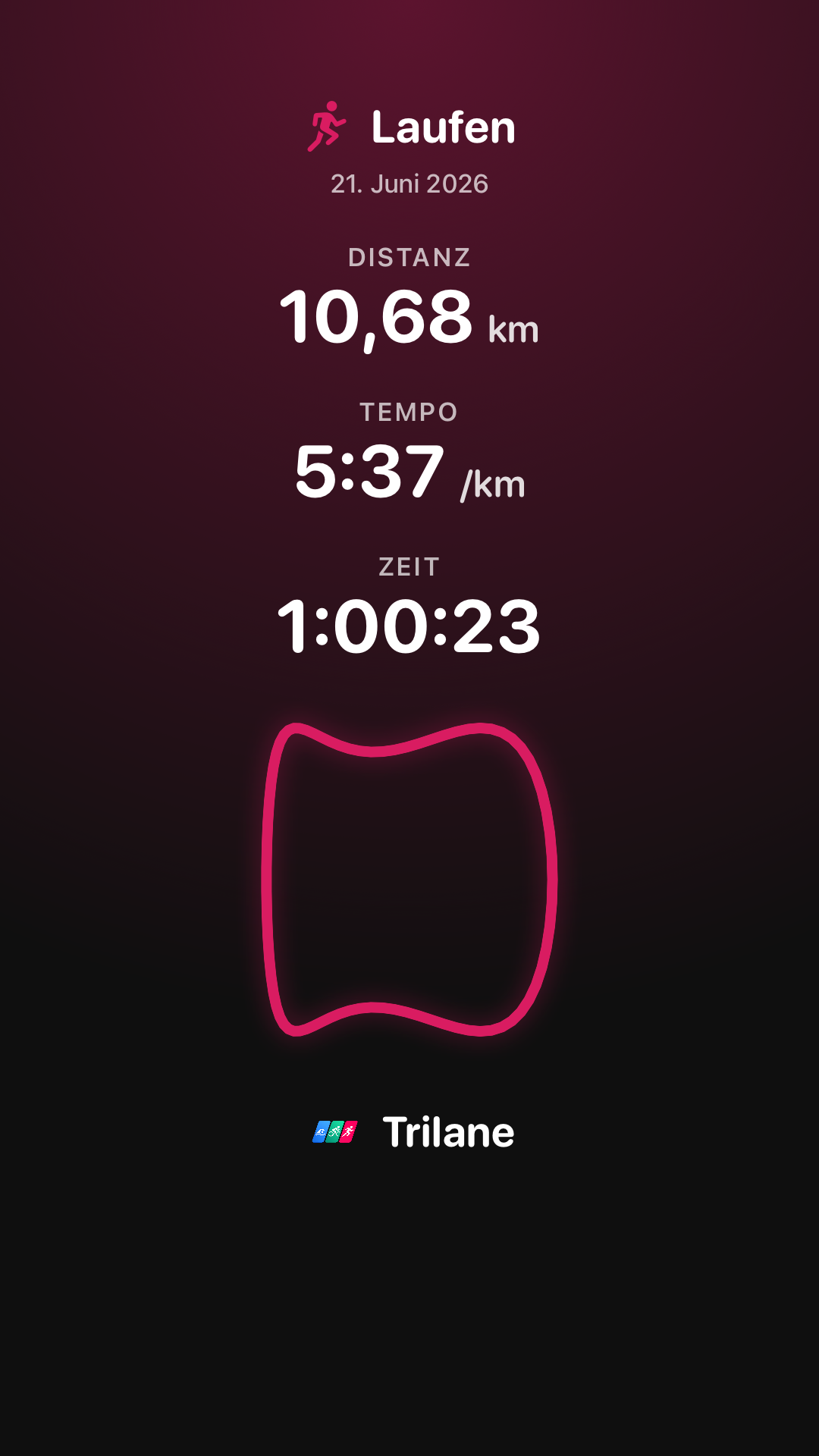
Turn any session into a story-ready image – and you decide what's on it. Shared in seconds, always with your mark.
- 1–3 metrics of your choice (distance, pace, time …) plus your route outline, optional
- Background transparent – great over your own photos – or in the Trilane look
- App icon & name are always included
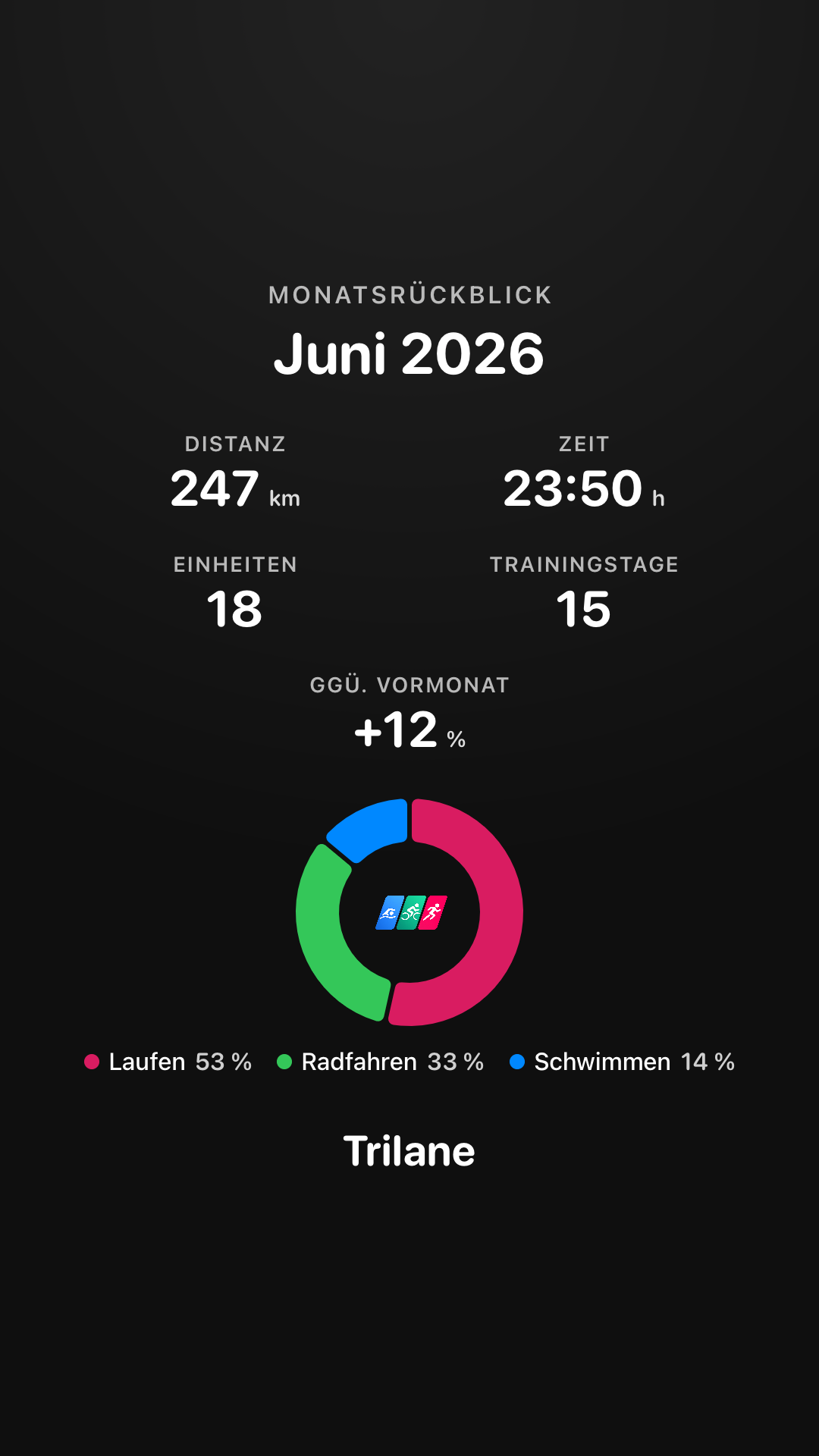
Your month in numbers
At the start of each month, Trilane nudges you to share last month's stats – as a recap image with the metrics you pick.
- Up to 5 metrics plus a discipline chart (time per sport)
- Distance, time, workouts, training days, elevation … and the trend vs. last month
- A reminder notification and a subtle hint on the dashboard
And it goes deeper
From race day to fine-grained analysis
Race-day planner
Pacing splits per discipline, timed fueling, weather at start time, a checklist and PDF export – for triathlon, running, cycling, swimming, duathlon & aquabike.
Race mode
On race day, a Live Activity on your Lock Screen counts down to your next fueling – gel, fluid, sodium, without opening the app.
Trend charts & VO2max
Distance, pace, heart rate, VO2max and training form over weeks, months and years – with a trend line and a second axis, readable with a tap.
Cycling power with FTP
Set your FTP – and Trilane unlocks Normalized Power, Intensity Factor (IF) and TSS for every ride.
iCloud backup (optional)
Your entries and settings survive device changes and reinstalls – in your own iCloud, off by default.
Siri & Shortcuts
Ask Siri for “days until my race”, “next session” or “weekly distance” – and build your own automations in the Shortcuts app.
Gear at a glance
Shoes and bikes with automatic mileage assignment and a wear reminder when it's time for new ones.
Home Screen widgets
Recovery & daily load, weekly distance, next session, streak and event countdown – the form check without even opening the app.
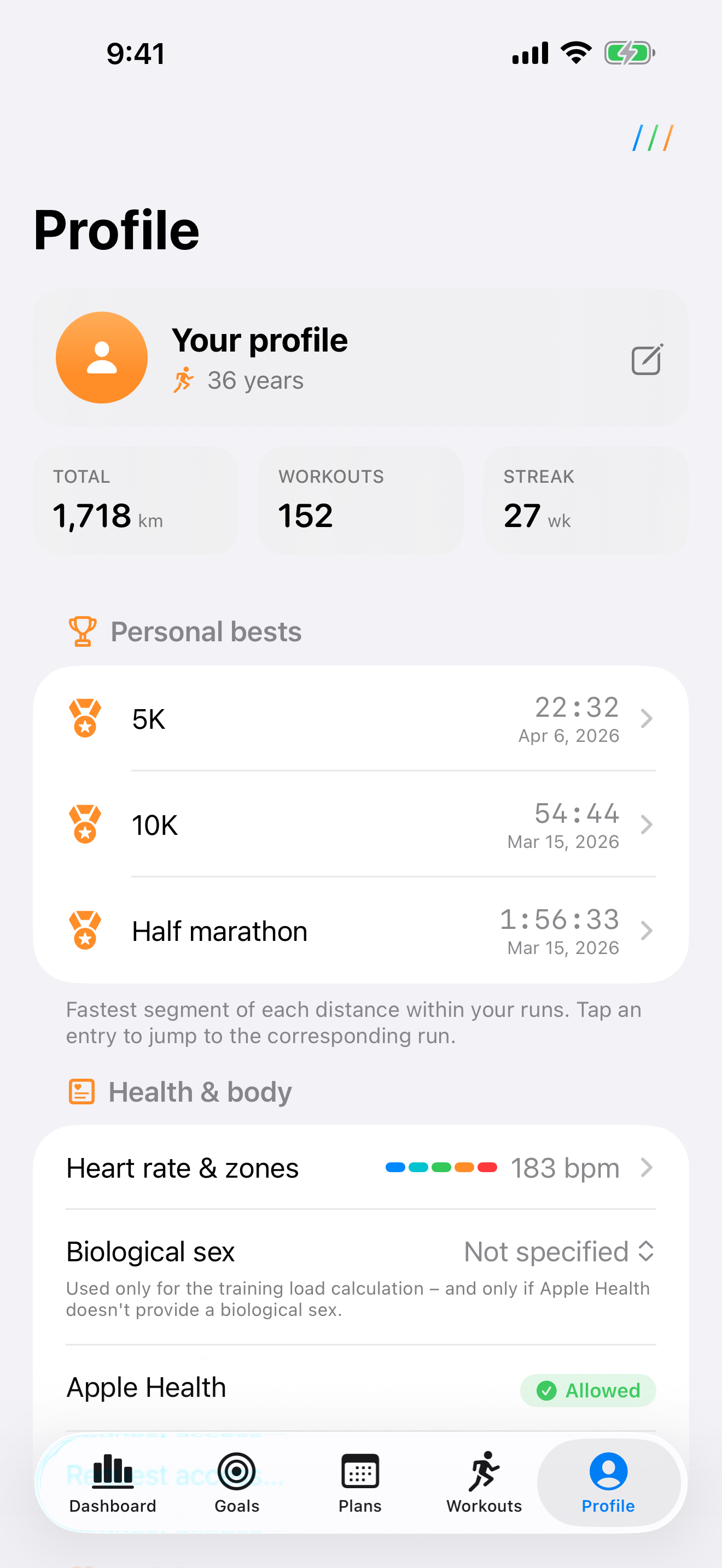
Automatic personal bests
New personal records are detected and celebrated instantly – by sport and distance, per discipline.
Workout history
Every session across all years – with calendar, yearly summary, weekday heatmap and time per sport as a donut.
Metric & imperial
Kilometers or miles, meters or feet, °C or °F – switchable any time in your profile.
HR zones & max HR
Five heart-rate zones using the Tanaka formula – overridable any time in your profile.
Motivation that fits
The app shows exactly the message that matters right now – new personal best, weekly plan done, or more than last week.
Three sports, one app
From the pool to the road – and across the finish line
Each sport with the right units: pace when running, km/h on the bike, time per 100 m in the water. And “Triathlon” brings it all together.
Swimming
Cycling
Running
Triathlon
Privacy
Your data stays with you
Trilane needs no account and no server. All analysis happens solely on your iPhone. We never see your health data.
-
No account, no loginJust install and get going – no registration.
-
No backend, no trackingNo transmission to us or third parties. No ads, no analytics tools.
-
Apple Health, read-onlyYou control access in iOS settings – revocable at any time.
-
iCloud backup is optionalOff by default. If you turn it on, the backup lives solely in your own iCloud – never with us.
Frequently asked
Good to know
What does Trilane cost?
Trilane is available on the App Store. The app comes with no forced subscription, no ads and no hidden data use.
What are the requirements?
You need an iPhone running iOS 26 or later and workout data in Apple Health (e.g. from Apple Watch, Garmin, Strava etc., as long as they write to Health).
How do I enable Apple Health access?
On first launch Trilane asks for read access. To change it later: iOS Settings → Health → Data Access & Devices → Trilane.
Do I need an Apple Watch or a power meter?
Not for the core analysis – workouts in Apple Health are enough. Individual metrics need matching data: VO2max and running form come from an Apple Watch, for example, and for Intensity Factor (IF) and TSS on the bike you set your FTP in your profile; the power values themselves come from a power meter.
What happens to my data if I delete the app?
Everything the app stores lives solely on your iPhone. Uninstalling removes it completely. Your Apple Health data itself is unaffected. If you enabled the optional iCloud backup, you can restore your entries from your own iCloud after a reinstall.
What is the iCloud backup?
An optional feature that's off by default. Turn it on in your profile and Trilane backs up your entries and settings (goals, plans, race-day plans, profile) to your own iCloud so they survive device changes and reinstalls. No data is sent to us, and your Apple Health workouts are not backed up.
Does Trilane support triathlon too?
Yes. Running, cycling and swimming are evaluated correctly per sport, and the “Triathlon” filter brings all sports together. The race-day planner also supports duathlon and aquabike.
What can the race-day planner do?
It builds a complete race-day plan: pacing splits per discipline, a timed fueling timeline (carbs, fluid, sodium), the weather forecast at start time, a context-aware checklist and a PDF export. Existing plans can be edited any time.
Ready for clearer training?
Download Trilane and turn your Apple Health data into decisions that make you better.